
Best Free Video Editing Software in 2026 | Top Tools for Beginners & Pros

What is the Best Free Video Editing Software?
In today’s digital world, video content is everywhere. From YouTube and Instagram Reels to business advertisements and personal projects, videos have become the most powerful way to communicate. But one common question creators often ask is: “What is the best free video editing software?”
The good news is that you don’t need expensive tools to create professional-quality videos. There are several powerful free video editing software options available that can help beginners and even professionals edit like a pro.
Let’s explore the best ones.
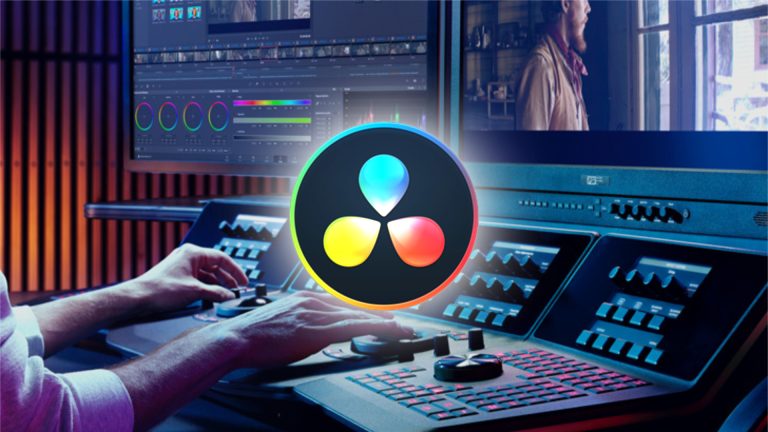
1. DaVinci Resolve – Best Overall Free Video Editor
If you are serious about video editing, DaVinci Resolve is the ultimate choice. It is widely considered the most powerful free editing software available today.
This software is used in Hollywood-level productions and offers advanced tools like color grading, visual effects, and professional audio editing—all for free.
Why it stands out:
- Professional-grade editing tools
- Advanced color correction system
- High-quality audio editing (Fairlight)
- No watermark or export limits
- Supports 4K video editing
Although it has a learning curve, it is perfect for those who want to grow into professional editing
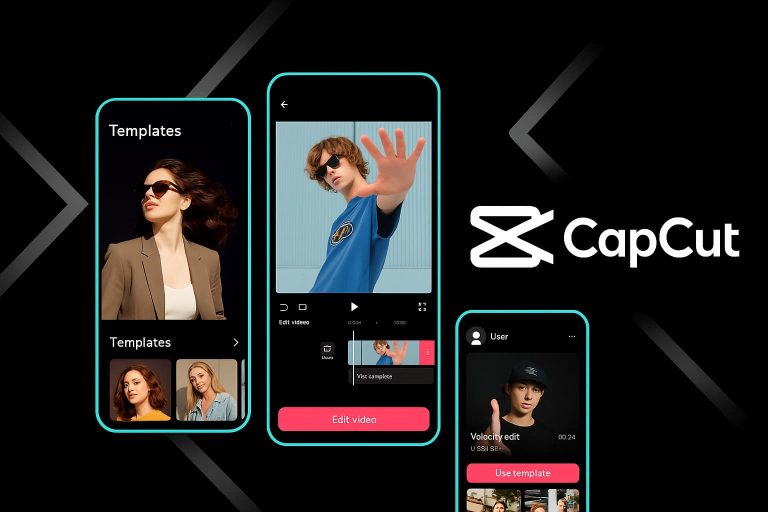
2. CapCut – Best for Social Media Content
If you are creating content for TikTok, Instagram, or YouTube Shorts, CapCut is one of the easiest and most popular tools.
It is designed for fast editing and comes with ready-made templates, transitions, and effects.
Why people love it:
- Very easy to use
- Built-in trendy effects and filters
- Auto captions and AI tools
- Perfect for short-form content
CapCut is ideal for beginners who want quick and stylish edits without complexity.
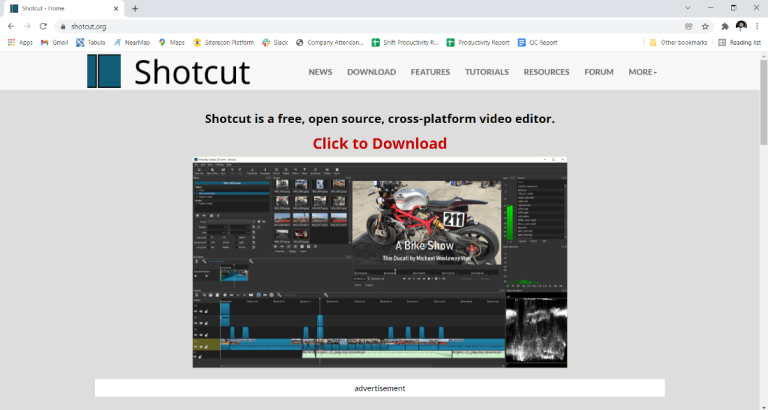
3. Shotcut – Best Open-Source Option
Shotcut is a lightweight, open-source video editor that works on Windows, Mac, and Linux.
It is a great option if you want something free, simple, and flexible.
Key features:
- No watermark
- Supports many video formats
- Basic but powerful editing tools
- Works smoothly on low-end PCs
Shotcut is perfect for users who want a balance between simplicity and performance.
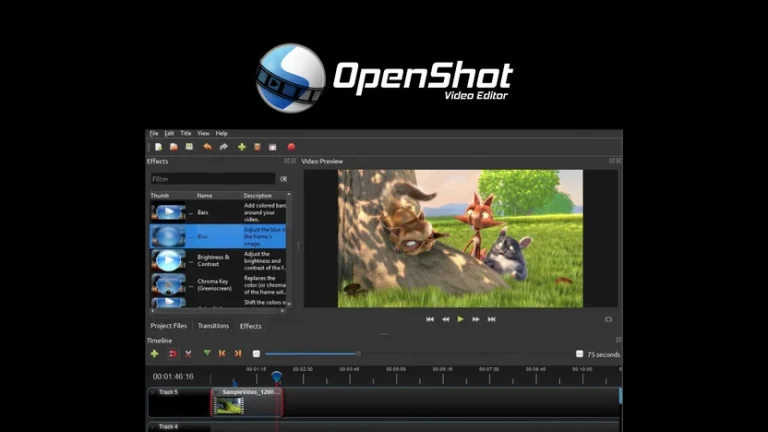
4. OpenShot – Best for Beginners
If you are completely new to video editing, OpenShot is a great starting point.
It has a very simple drag-and-drop interface that makes editing easy and stress-free.
Features include:
- Beginner-friendly interface
- Unlimited tracks
- Basic transitions and effects
- Free and open-source
It may not be as advanced, but it is perfect for learning the basics.
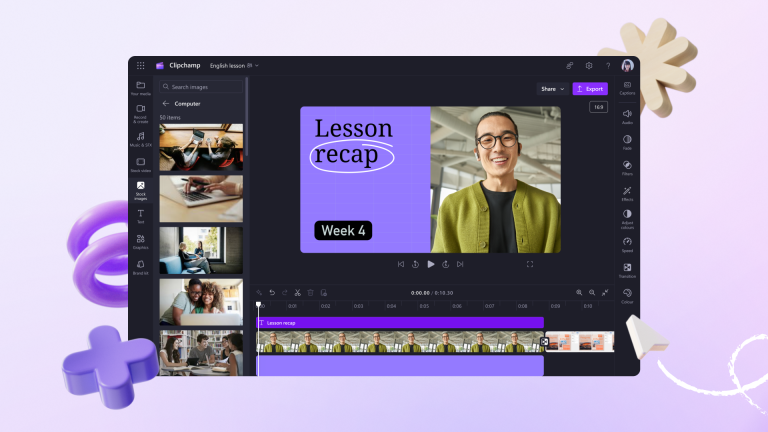
5. Clipchamp – Best Browser-Based Editor
Clipchamp is a web-based video editor owned by Microsoft. It is great for quick editing without downloading heavy software.
Why it’s useful:
- Works directly in your browser
- Simple drag-and-drop editing
- Stock videos and templates included
- Good for basic marketing videos
Final Thoughts
So, what is the best free video editing software?
It depends on your needs:
- 🎬 For professional editing: DaVinci Resolve
- 📱 For social media content: CapCut
- 💻 For lightweight editing: Shotcut
- 🧑🎓 For beginners: OpenShot
- 🌐 For quick online editing: Clipchamp
The best part is that all of these tools are free, so you can try them and see which one fits your workflow.
Conclusion
Video editing has never been more accessible. Whether you are a beginner or a professional creator, these free tools give you everything you need to bring your ideas to life without spending money.
Start with one, practice consistently, and you’ll be surprised how quickly your editing skills improve.